---
title: "NowOS POS hardware: iPad, stand and Epson printer | NowOS"
description: "See the hardware NowOS needs: a main iPad running iPadOS 16.4 or later, a counter stand, secondary iPhones or iPads and an Epson network printer."
canonical_url: "https://www.now-os.app/en/materiel"
meta:
"og:description": "See the hardware NowOS needs: a main iPad running iPadOS 16.4 or later, a counter stand, secondary iPhones or iPads and an Epson network printer."
"og:image": "https://www.now-os.app/images/og/nowos-open-graph-en.png"
"og:image:alt": "NowOS visual showing the POS interface on iPad and the message “The POS that never stops”."
"og:image:height": "630"
"og:image:type": image/png
"og:image:width": "1200"
"og:title": "NowOS POS hardware: iPad, stand and Epson printer"
"twitter:description": "See the hardware NowOS needs: a main iPad running iPadOS 16.4 or later, a counter stand, secondary iPhones or iPads and an Epson network printer."
"twitter:image": "https://www.now-os.app/images/og/nowos-open-graph-en.png"
"twitter:image:alt": "NowOS visual showing the POS interface on iPad and the message “The POS that never stops”."
"twitter:title": "NowOS POS hardware: iPad, stand and Epson printer"
---
> Index of every page on this site: [llms.txt](https://www.now-os.app/llms.txt)
Hardware for NowOS
# Everything you need to equip your point of sale.
An iPad, a suitable stand, an Epson printer if you print, and the devices your team needs. We validate the setup with you during the demo.
[Validate my setup](https://calendly.com/eat-now/eat-now-plateforme-de-reservation-pour-les-restaurants) View the hardware
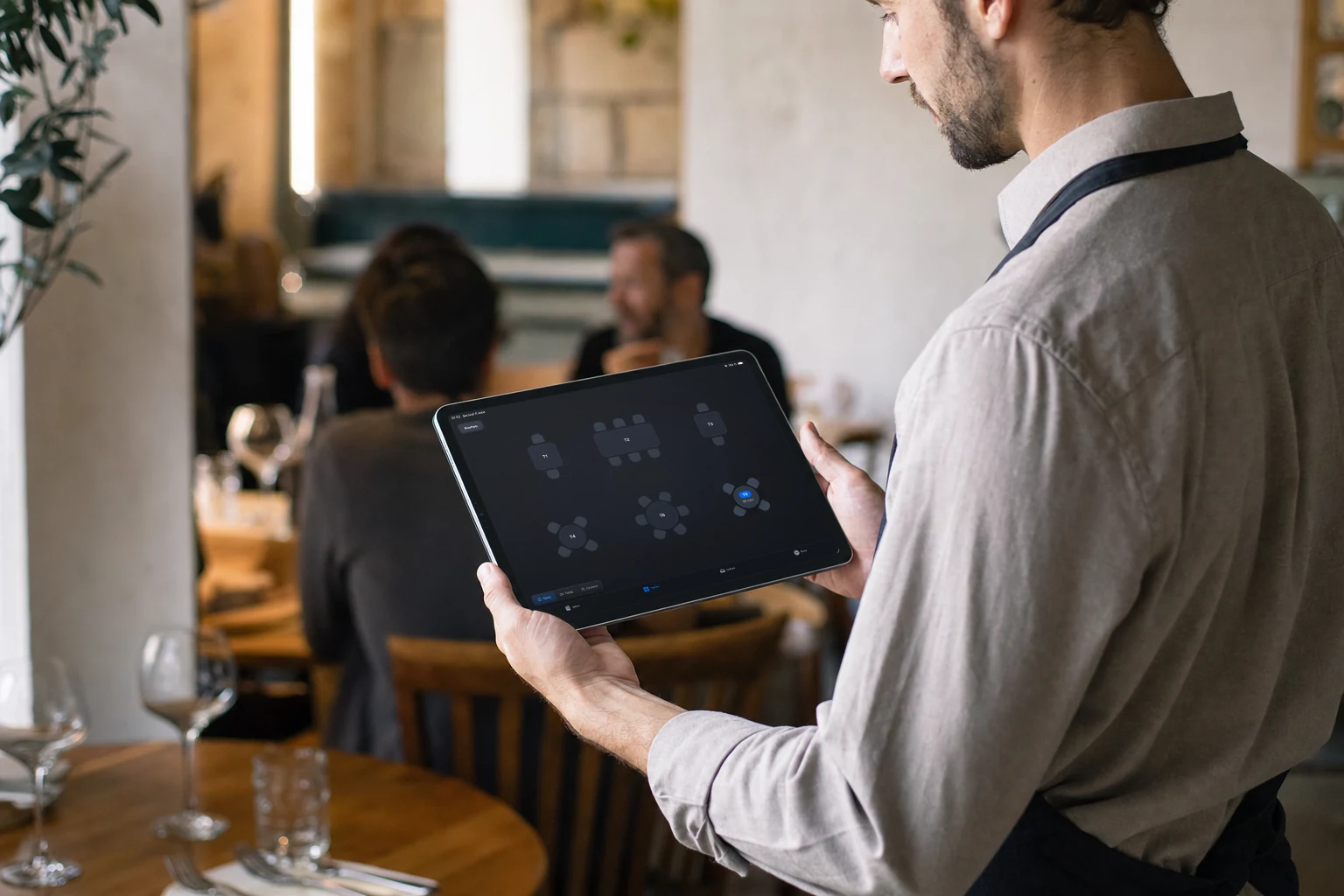
The basic setup
## A simple register station, ready to work.
The main register runs on a dedicated iPad. The rest of the setup depends on your counter, print stations and the number of people taking orders.
- Main register
- One iPad running iPadOS 16.4 or later
- Installation
- A stable stand and permanent power
- Network
- The same local network for devices and printers
- Payments
- Your usual standalone payment terminal
One main iPad is enough to get started.
The hardware
## Hardware, made simple.
Each item has one clear role. Start with the basic setup, then add only what your location genuinely needs.
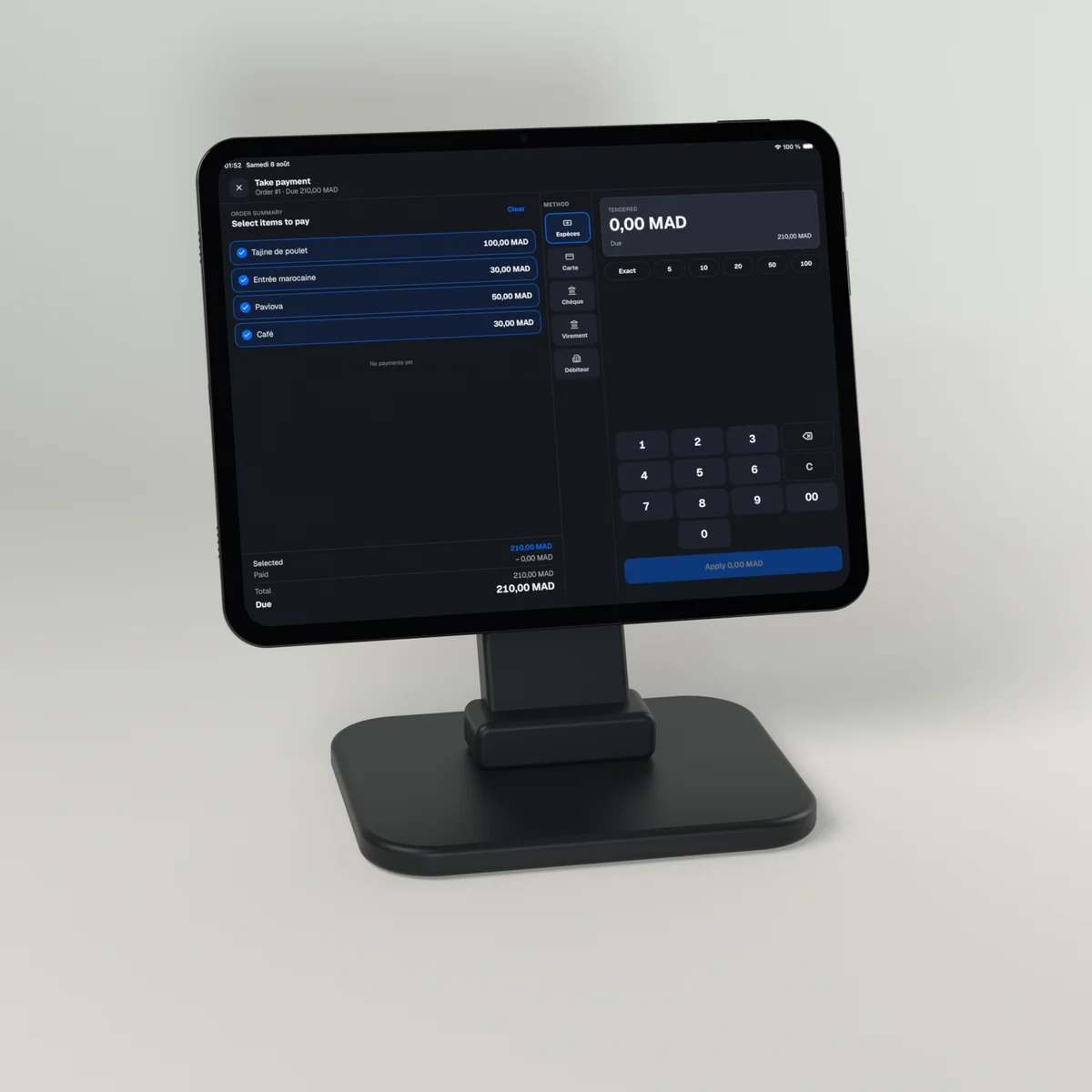
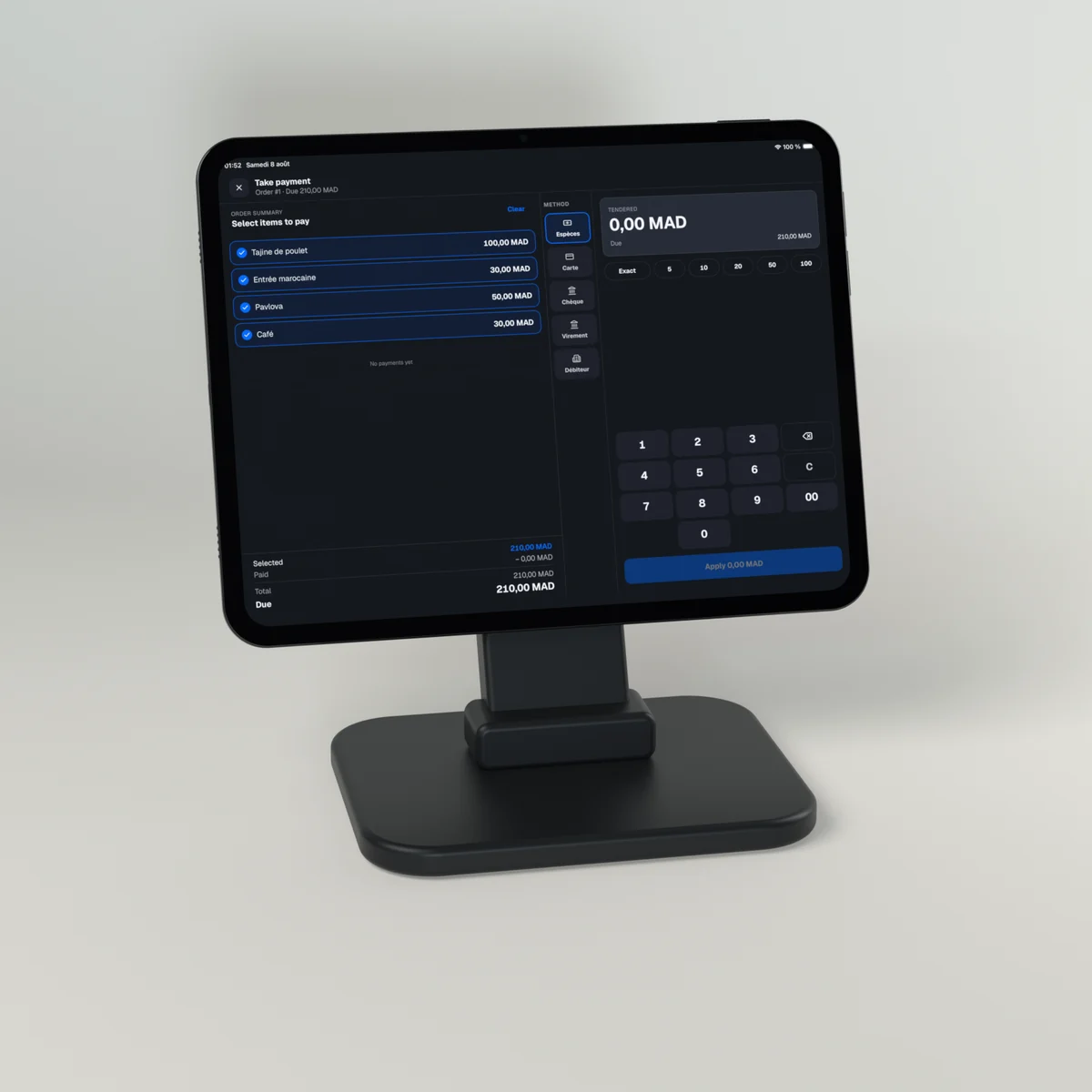
### Main iPad and stand
The fixed station for your location. The iPad stays plugged in, running NowOS and installed in a stable position during service.
- System
- iPadOS 16.4 or later
- Use
- Main register only
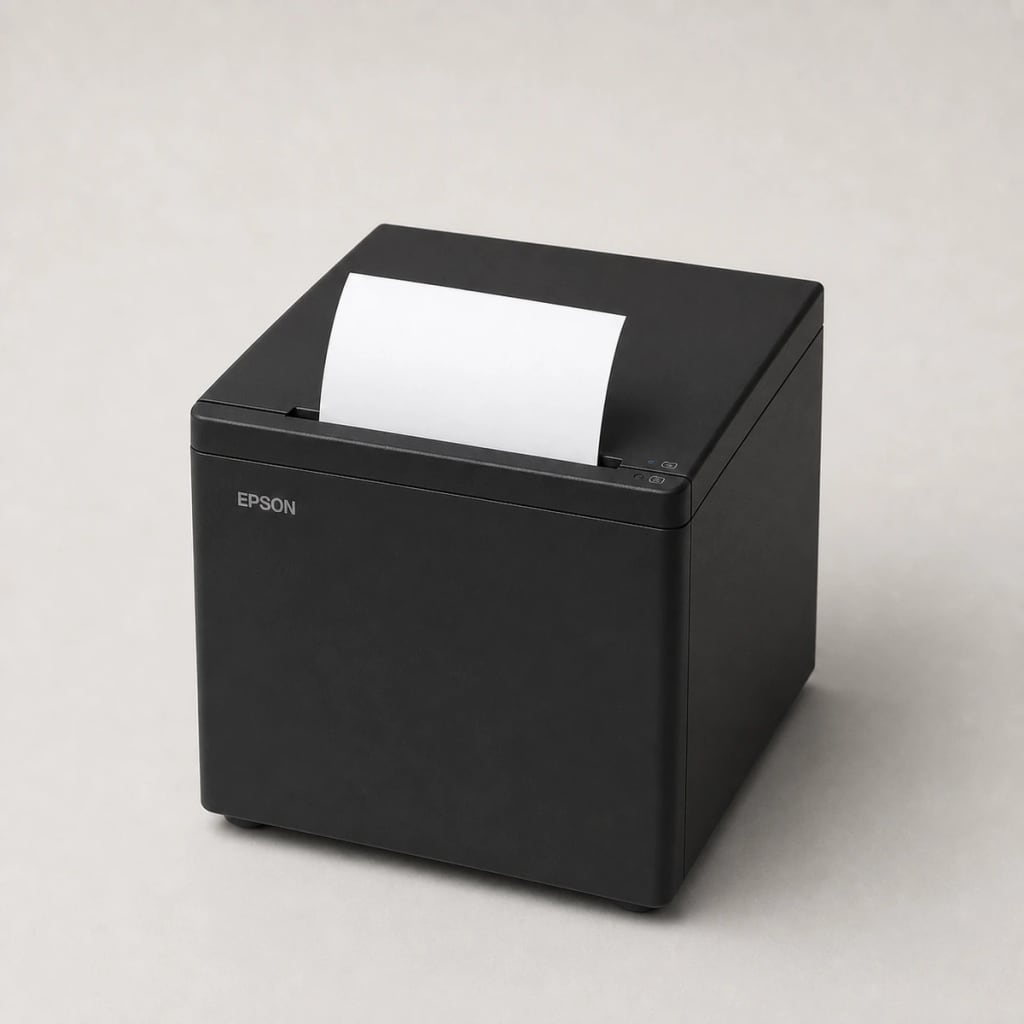
### Epson TM‑m30III printer
The reference model for printing customer receipts, kitchen tickets and bar tickets over the local network.
- NowOS connection
- Local network
- Paper
- 58 or 80 mm
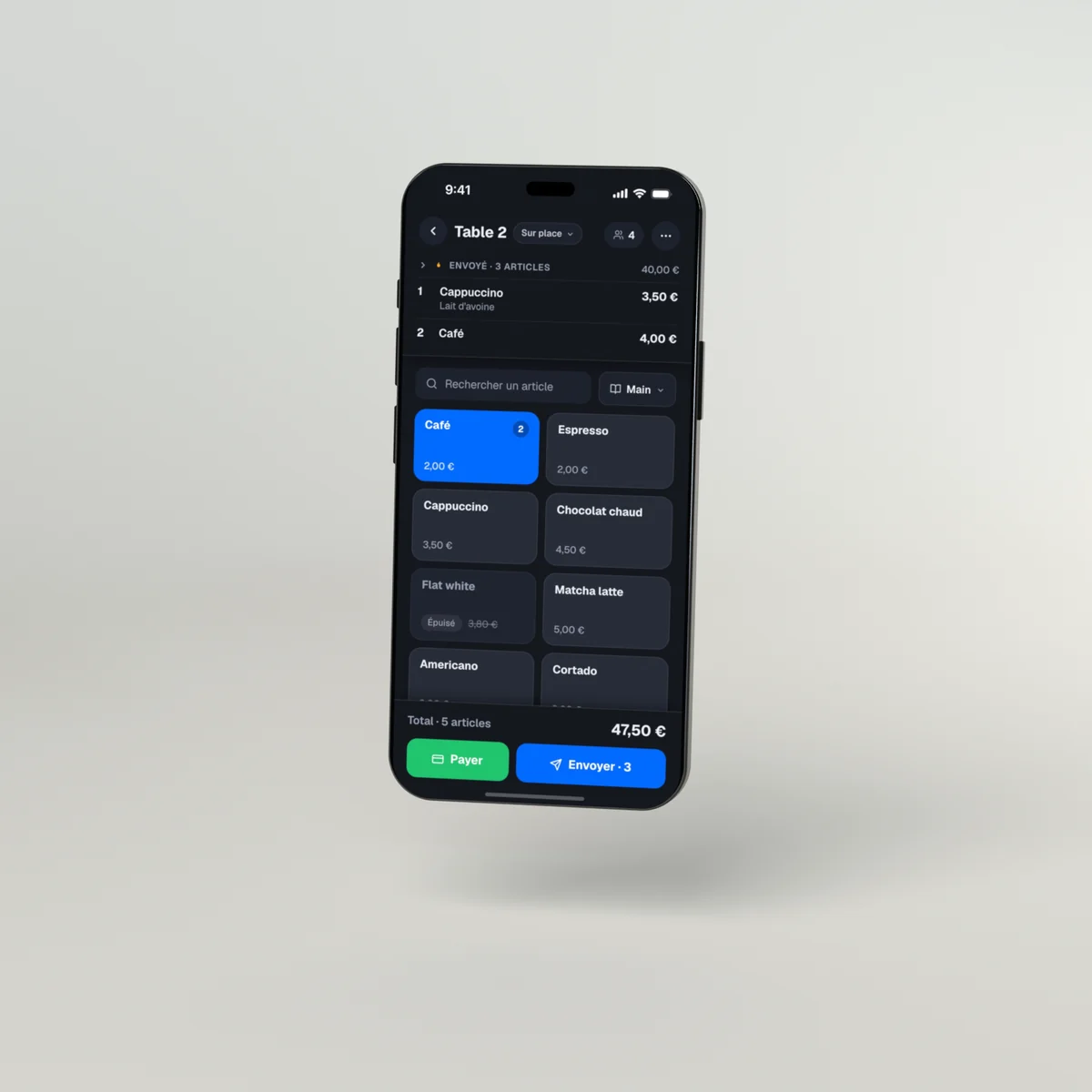
### Secondary iPhone or iPad
Take orders on the floor, outside or from another station without returning to the main register.
- System
- iOS or iPadOS 16.4 or later
- Role
- Secondary device
Epson printing
## Reliable printing over your local network.
NowOS focuses print compatibility on Epson. The printer joins the same network as the main iPad and receives documents from the register.
- Customer receipts at the counter
- Preparation tickets in the kitchen or bar
- 58 or 80 mm thermal paper
- Static IP address recommended
Bluetooth and USB connections are not supported by NowOS. Other Epson models are checked during the demo.
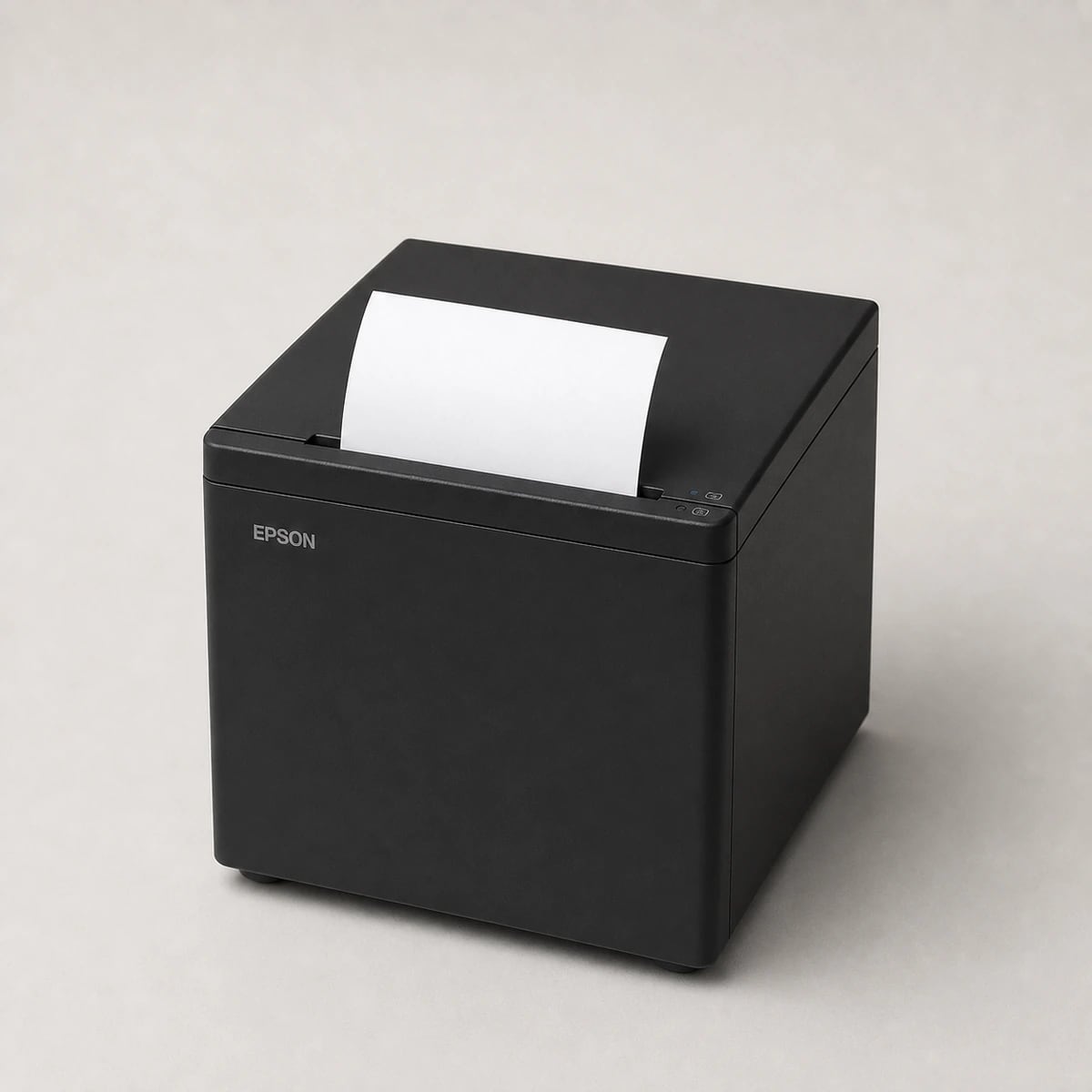
*Epson TM‑m30III*
For your business
## The right setup depends on your location.
The number of devices and printers changes with your workstations. These are the most common setups.
### Restaurant
For table service with mobile order taking and multiple preparation areas.
- Main iPad and stand
- iPhones on the floor
- Epson at the counter
- Epson in the kitchen or bar
- Standalone payment terminal
### Quick service
For fast counter checkout and direct order routing to preparation.
- Main iPad and stand
- Epson for receipts
- Preparation Epson when needed
- Standalone payment terminal
- Manual cash drawer
### Retail
For a compact checkout station with product scanning through the iPad camera.
- Main iPad and stand
- iPad camera for scanning
- Epson for paper receipts
- Standalone payment terminal
- Manual cash drawer
NowOS
## Check before installation.
We verify device models and your network with you before defining the final setup.
Already have hardware? Show us the model numbers during the demo.
### Supported
- Main iPad running iPadOS 16.4 or later
- Secondary iPhones and iPads running iOS or iPadOS 16.4 or later
- Epson TM‑m30III on the local network
- 58 and 80 mm thermal paper
### Not supported
- Android
- An iPhone used as the main register
- A printer connected by Bluetooth or USB
- Automatic cash-drawer opening
Frequently asked questions
## Before choosing your hardware.
###
###
###
###
Your setup
## We check the hardware with you.
During the demo, we review your devices, counter, network and printing needs.
[Request a demo](https://calendly.com/eat-now/eat-now-plateforme-de-reservation-pour-les-restaurants) Setup validated before installation
```json
{"@context":"https://schema.org","@graph":[{"@id":"https://www.now-os.app/en#website","@type":"WebSite","description":"The next-generation point-of-sale system for restaurants and retailers.","inLanguage":"en-GB","name":"NowOS","url":"https://www.now-os.app/en","translationOfWork":{"@id":"https://www.now-os.app/#website"}},{"@id":"https://www.now-os.app/en/materiel#webpage","@type":"WebPage","description":"See the hardware NowOS needs: a main iPad running iPadOS 16.4 or later, a counter stand, secondary iPhones or iPads and an Epson network printer.","name":"NowOS POS hardware: iPad, stand and Epson printer","url":"https://www.now-os.app/en/materiel","isPartOf":{"@id":"https://www.now-os.app/en#website"},"potentialAction":[{"@type":"ReadAction","target":["https://www.now-os.app/en/materiel"]}]},{"@id":"https://www.now-os.app/en/materiel#/schema/organization/1","@type":"Organization","logo":"https://www.now-os.app/favicon.svg","name":"NowOS","url":"https://www.now-os.app"},{"@id":"https://www.now-os.app/en/materiel#/schema/breadcrumb-list/1","@type":"BreadcrumbList","itemListElement":[{"@type":"ListItem","position":1,"name":"NowOS","item":"/en"},{"@type":"ListItem","position":2,"name":"Everything you need to equip your point of sale.","item":"/en/materiel"}]},{"@id":"https://www.now-os.app/en/materiel#/schema/faqpage/1","@type":"FAQPage","mainEntity":[{"@type":"Question","name":"Can I reuse my current iPad?","acceptedAnswer":{"@type":"Answer","text":"Yes, if it can run iPadOS 16.4 or later and suits your installation. We check the exact model during the demo."}},{"@type":"Question","name":"Which printer should I prepare?","acceptedAnswer":{"@type":"Answer","text":"The reference model is the Epson TM‑m30III connected to the local network with a static IP address. Other Epson models must be checked before installation."}},{"@type":"Question","name":"Can I keep my payment terminal?","acceptedAnswer":{"@type":"Answer","text":"Yes. NowOS works with your usual standalone payment terminal: take payment on the terminal, then confirm it in the register."}},{"@type":"Question","name":"How many devices do I need to start?","acceptedAnswer":{"@type":"Answer","text":"One main iPad is enough. Add secondary iPhones or iPads according to the number of people working on the floor, outside or at the counter."}}]}]}
```
## Sitemap
See the full [sitemap](https://www.now-os.app/sitemap.md) for all pages.