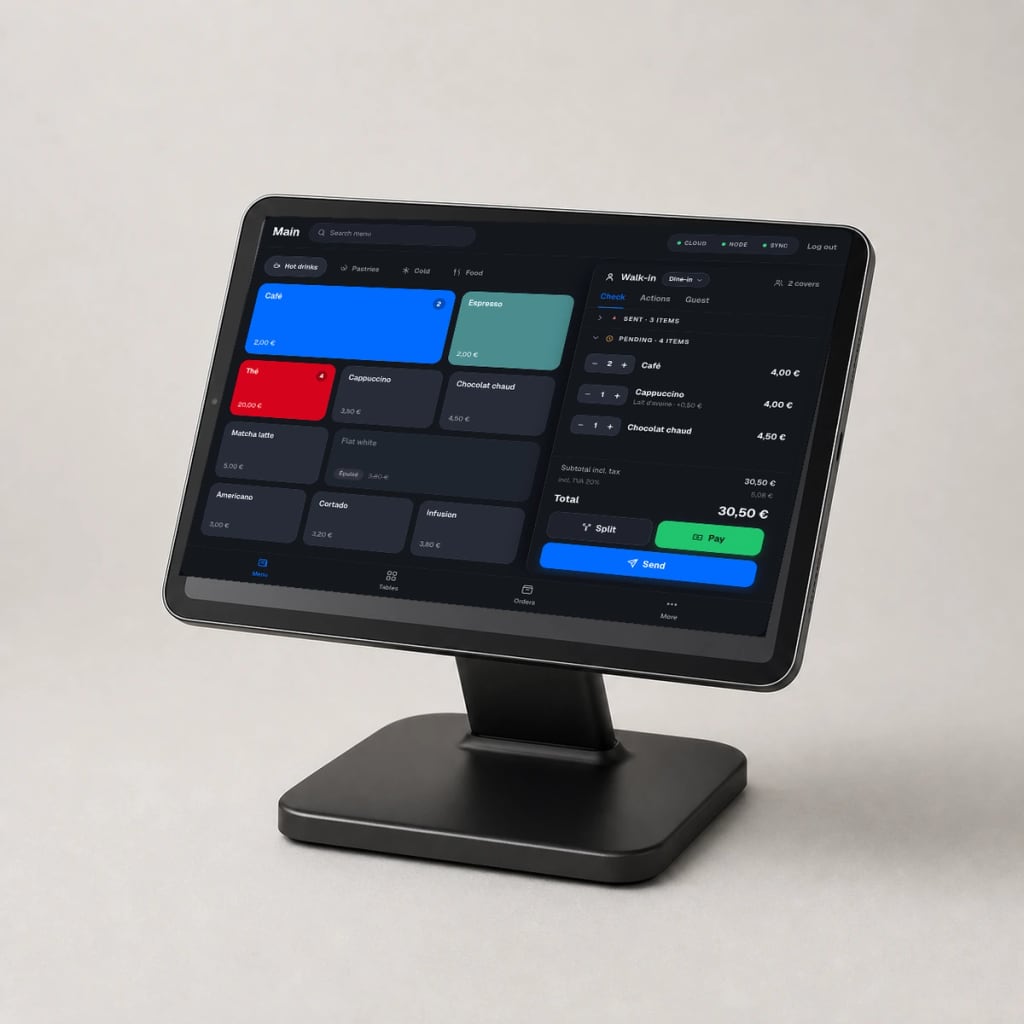
Main iPad and stand
The fixed station for your location. The iPad stays plugged in, running NowOS and installed in a stable position during service.
- System
- iPadOS 16.4 or later
- Use
- Main register only
Hardware for NowOS
An iPad, a suitable stand, an Epson printer if you print, and the devices your team needs. We validate the setup with you during the demo.
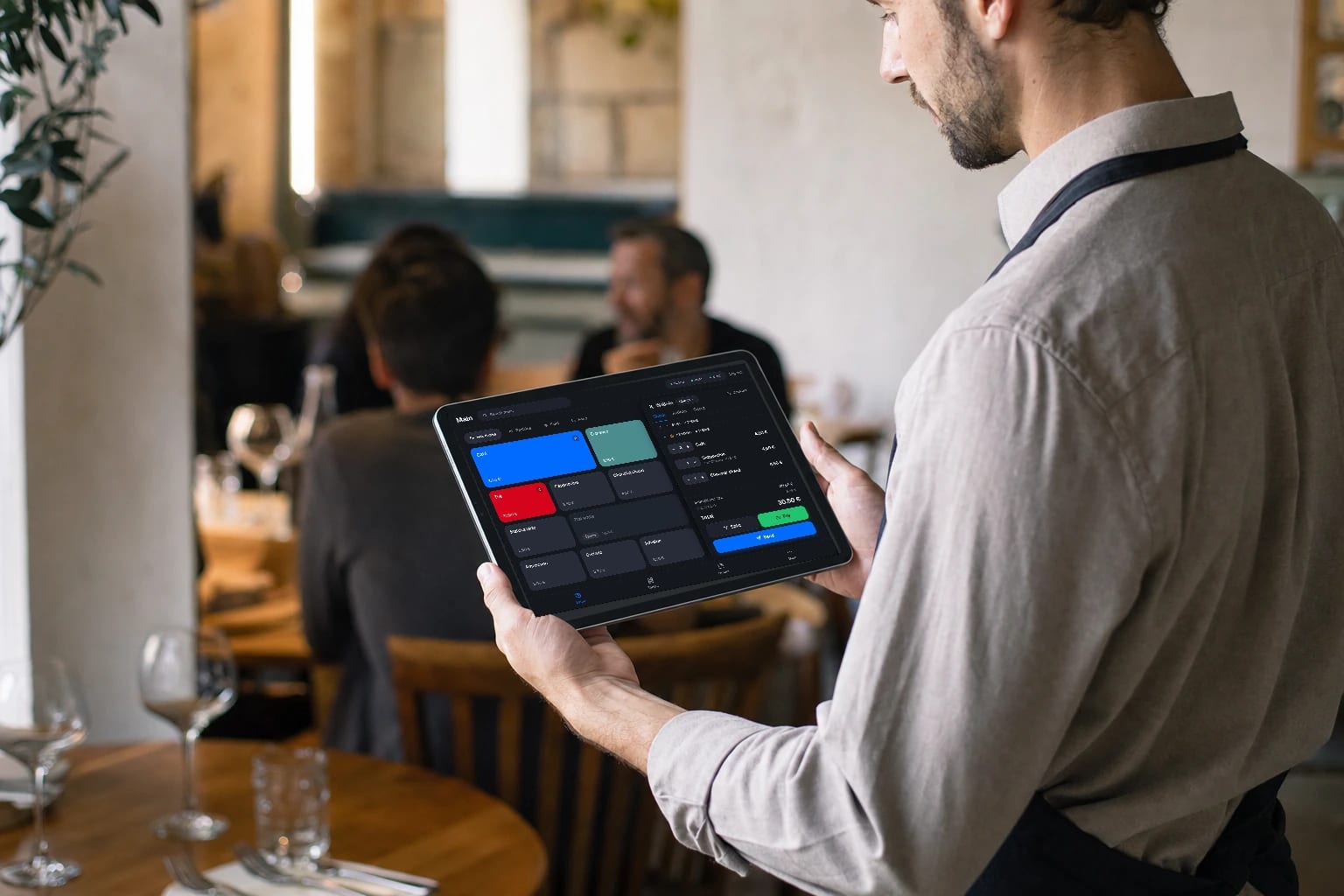
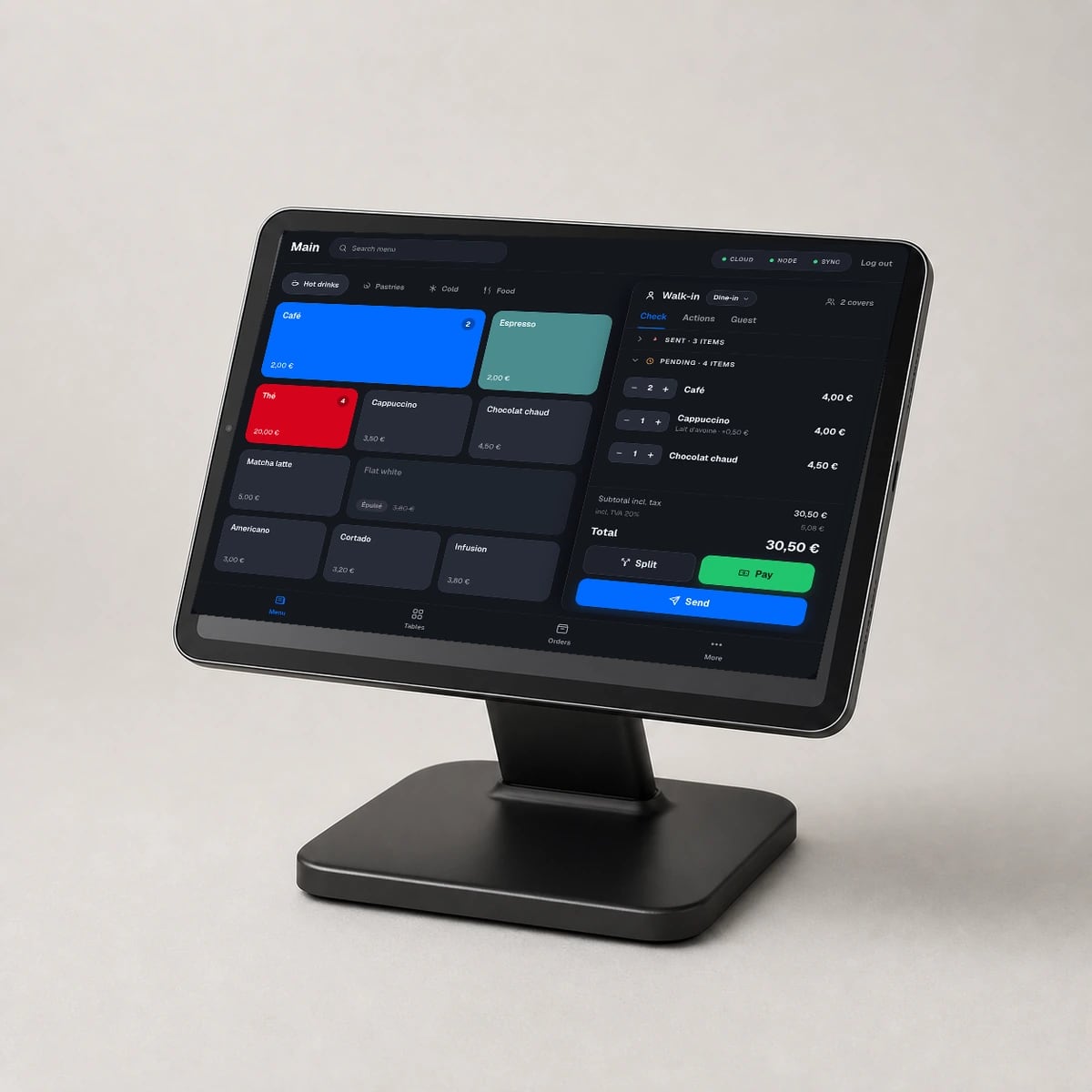
The basic setup
The main register runs on a dedicated iPad. The rest of the setup depends on your counter, print stations and the number of people taking orders.
One main iPad is enough to get started.
The hardware
Each item has one clear role. Start with the basic setup, then add only what your location genuinely needs.
The fixed station for your location. The iPad stays plugged in, running NowOS and installed in a stable position during service.
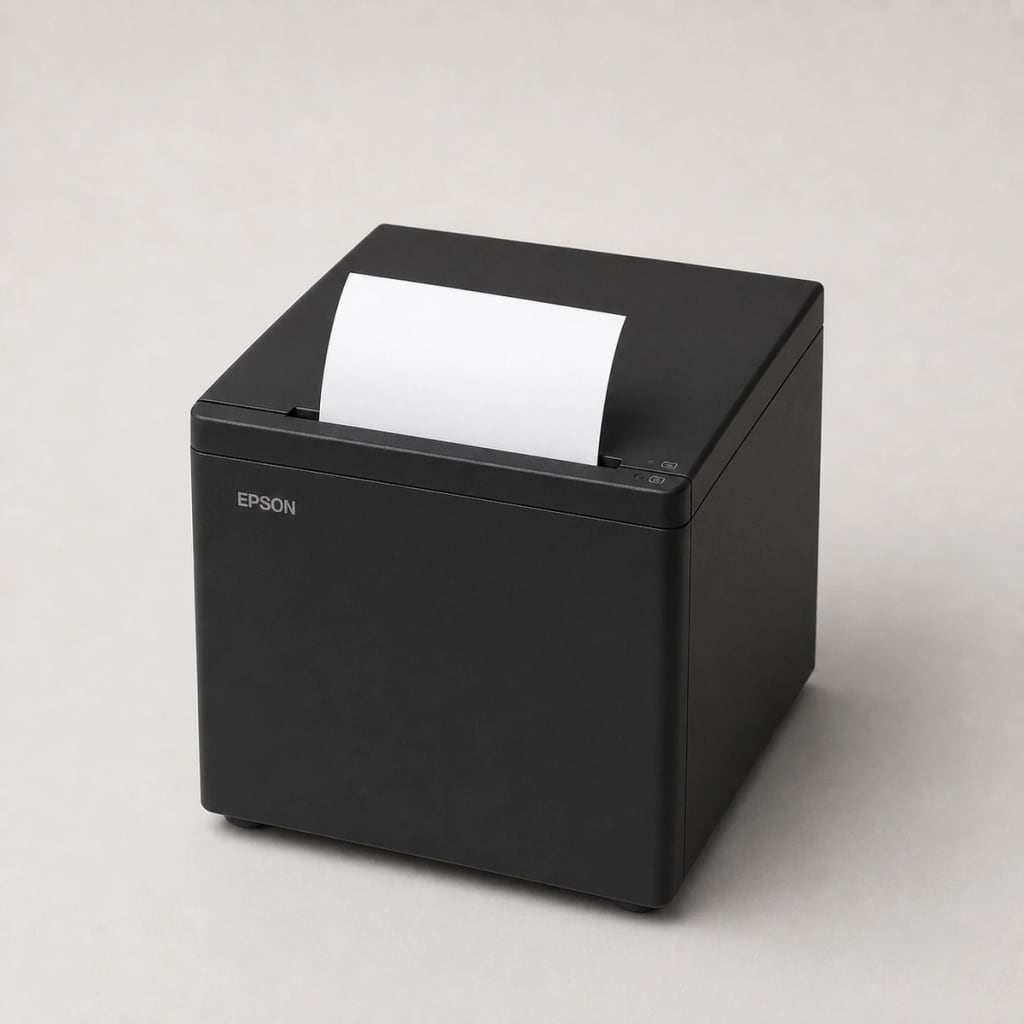
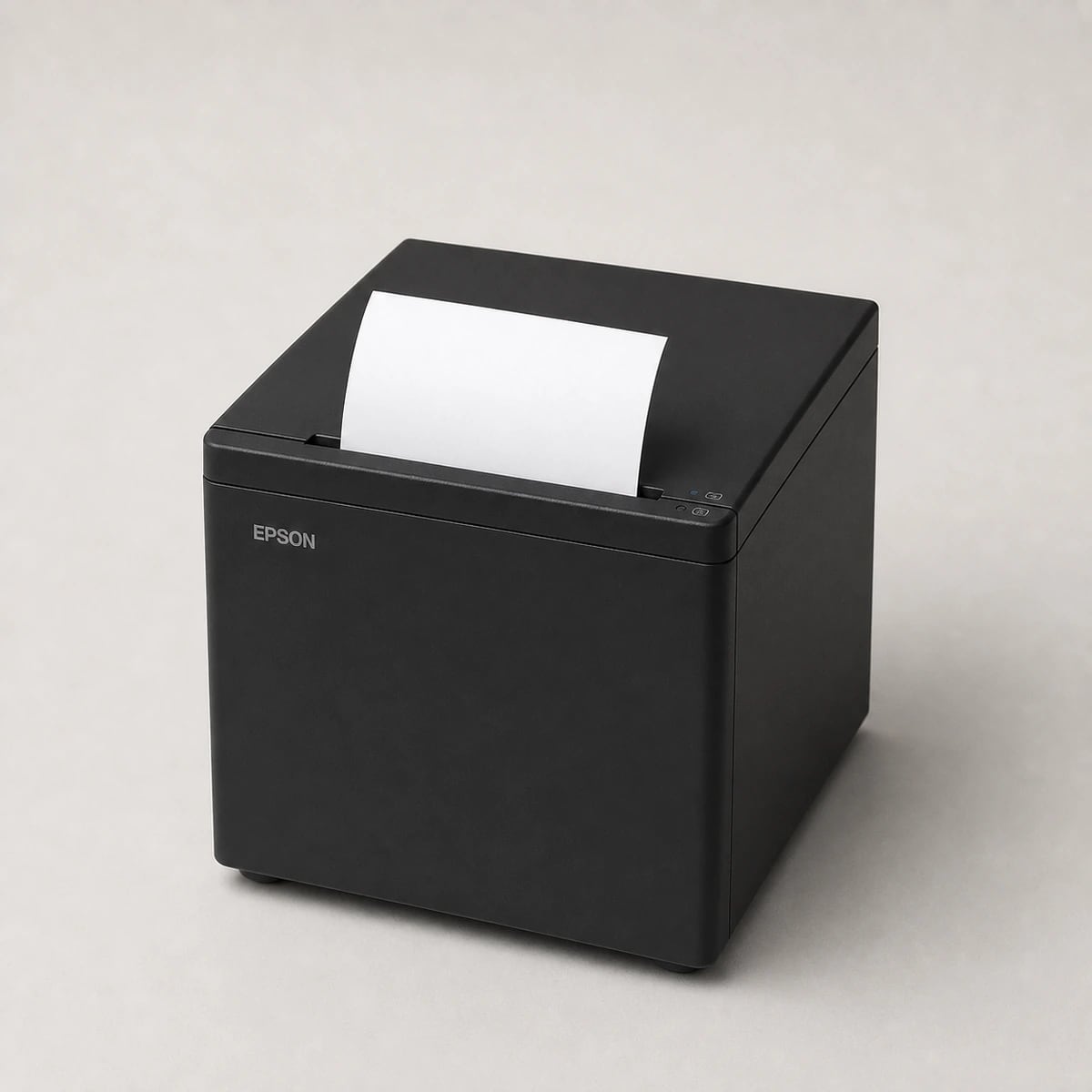
The reference model for printing customer receipts, kitchen tickets and bar tickets over the local network.
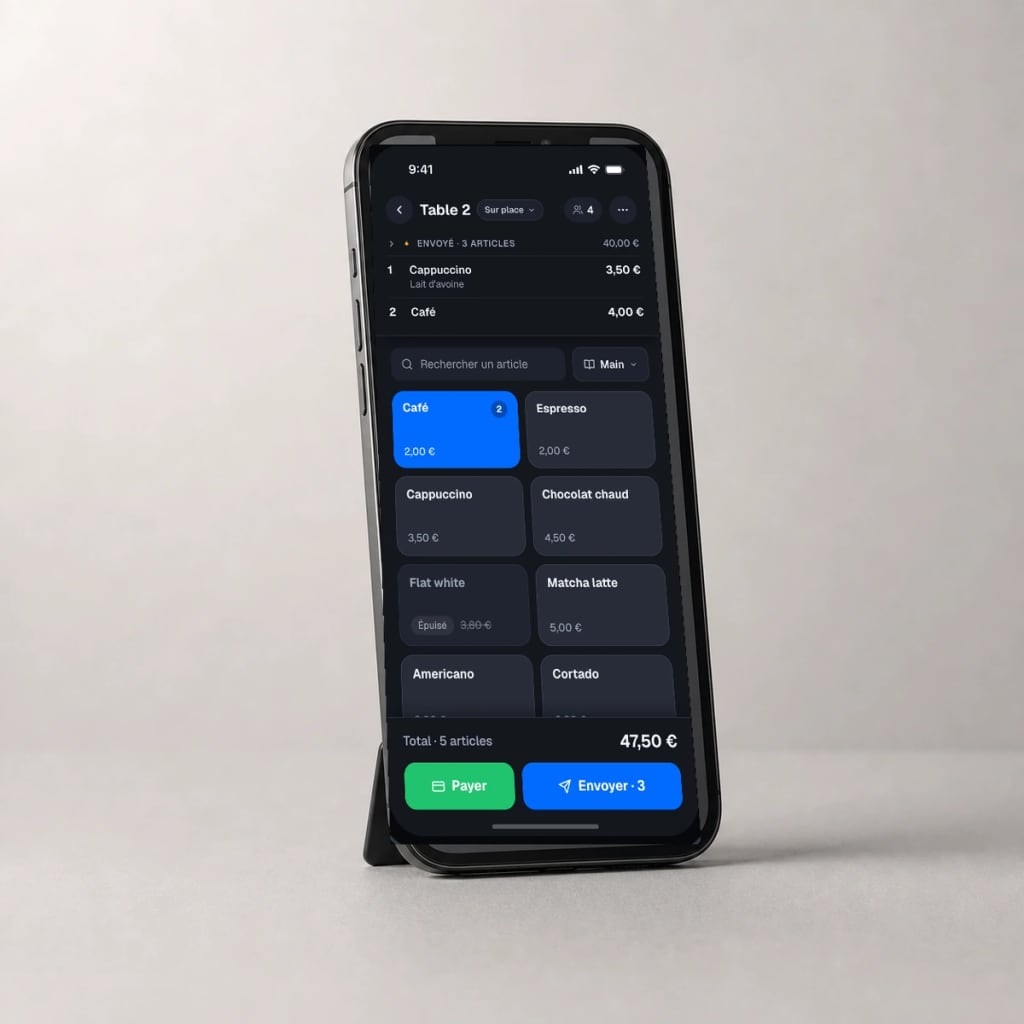
Take orders on the floor, outside or from another station without returning to the main register.
Epson printing
NowOS focuses print compatibility on Epson. The printer joins the same network as the main iPad and receives documents from the register.
Bluetooth and USB connections are not supported by NowOS. Other Epson models are checked during the demo.
For your business
The number of devices and printers changes with your workstations. These are the most common setups.
For table service with mobile order taking and multiple preparation areas.
For fast counter checkout and direct order routing to preparation.
For a compact checkout station with product scanning through the iPad camera.
NowOS
We verify device models and your network with you before defining the final setup.
Already have hardware? Show us the model numbers during the demo.Frequently asked questions
Your setup
During the demo, we review your devices, counter, network and printing needs.