Visible table states
The plan distinguishes free, occupied and reserved tables with the context needed to act.
Floor plan
See free, occupied and reserved tables, seat a party with its covers and move from the floor plan to the order without losing context.
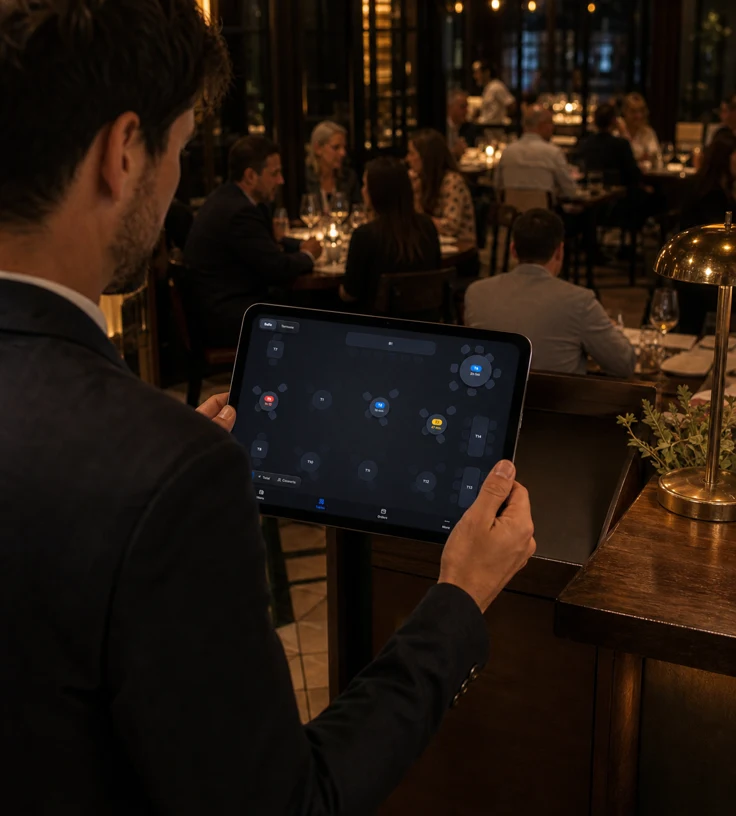
The plan distinguishes free, occupied and reserved tables with the context needed to act.
The cover count follows the order and can later seed an even check split.
Move an order or join several tables when service demands it.
The language of the floor
Read
The plan reflects rooms and tables published from the backoffice. On an occupied table, staff can show elapsed time, running total or covers, adapting the view to the moment of service.
Seat
Tap a free table, adjust covers and seat the party. The order opens directly on that table, ready for items. For larger parties, several tables can be joined before you begin.
Bookings
When a reservations provider is connected, its panel appears beside the plan. Staff can search a booking, review its sheet and seat the party at the planned tables or adjust them at the last moment.
Built for your business
NowOS streamlines sales, checkout and management so your team can keep pace without adding complexity.