Your menu at hand
Arrange screens and categories around staff habits, then find anything else through search.
Order taking
Find an item, complete its selections, adjust quantities and distinguish pending lines from those already sent: your team stays in control of every line.
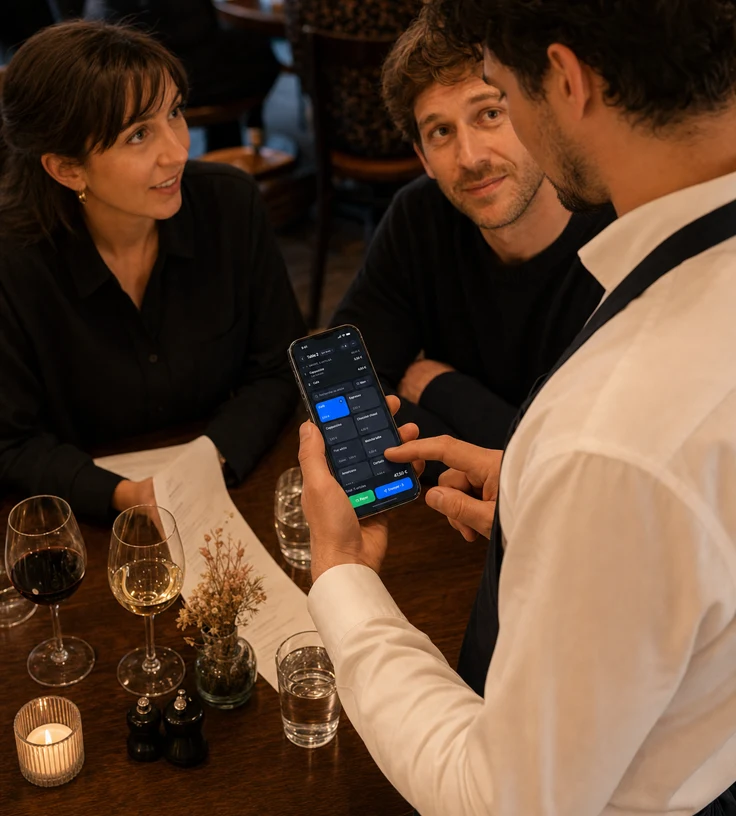
Arrange screens and categories around staff habits, then find anything else through search.
A required modifier must be completed before the item reaches the check.
Sent lines keep their time while new additions remain clearly marked as pending.
A well-built order line
Find
Tiles surface frequent sellers, sub-screens structure larger menus and search finds an item by name. Staff are not forced through a single route to keep moving.
Build
When an item needs choices, the selection opens before it is added. Required and optional groups are separated, extras are priced and quantity can be set for several identical items.
Move forward
NowOS distinguishes editable lines from those production has received. That boundary prevents silent changes: after sending, a void becomes a tracked action and repeating creates a new line.
Built for your business
NowOS streamlines sales, checkout and management so your team can keep pace without adding complexity.